VOUCHER
REDEMPTION
STEP 1
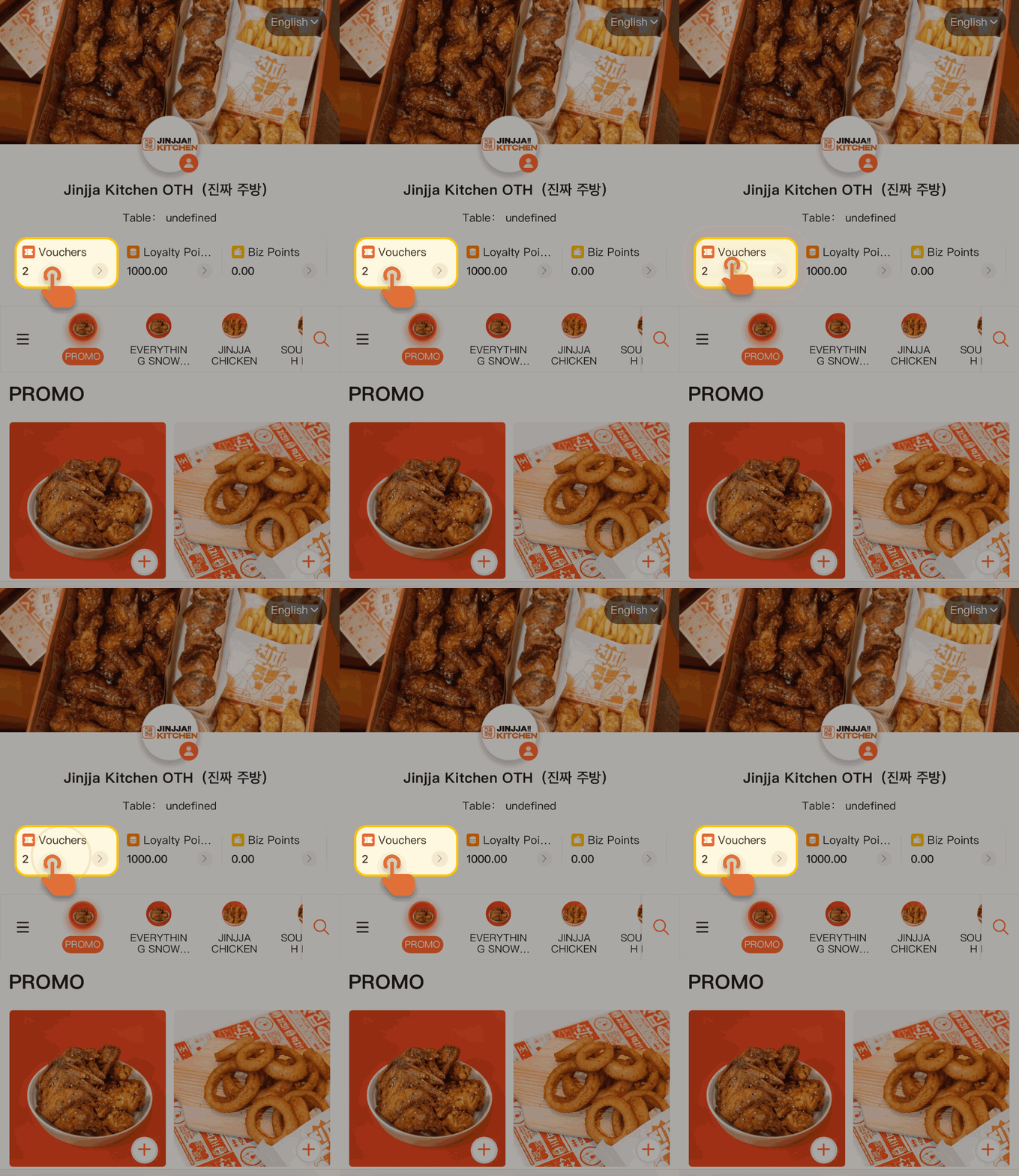
Head to our self-ordering kiosk or scan the table QR code to log in as a member, then tap the Vouchers tab in the navigation bar to view your available vouchers.
STEP 2
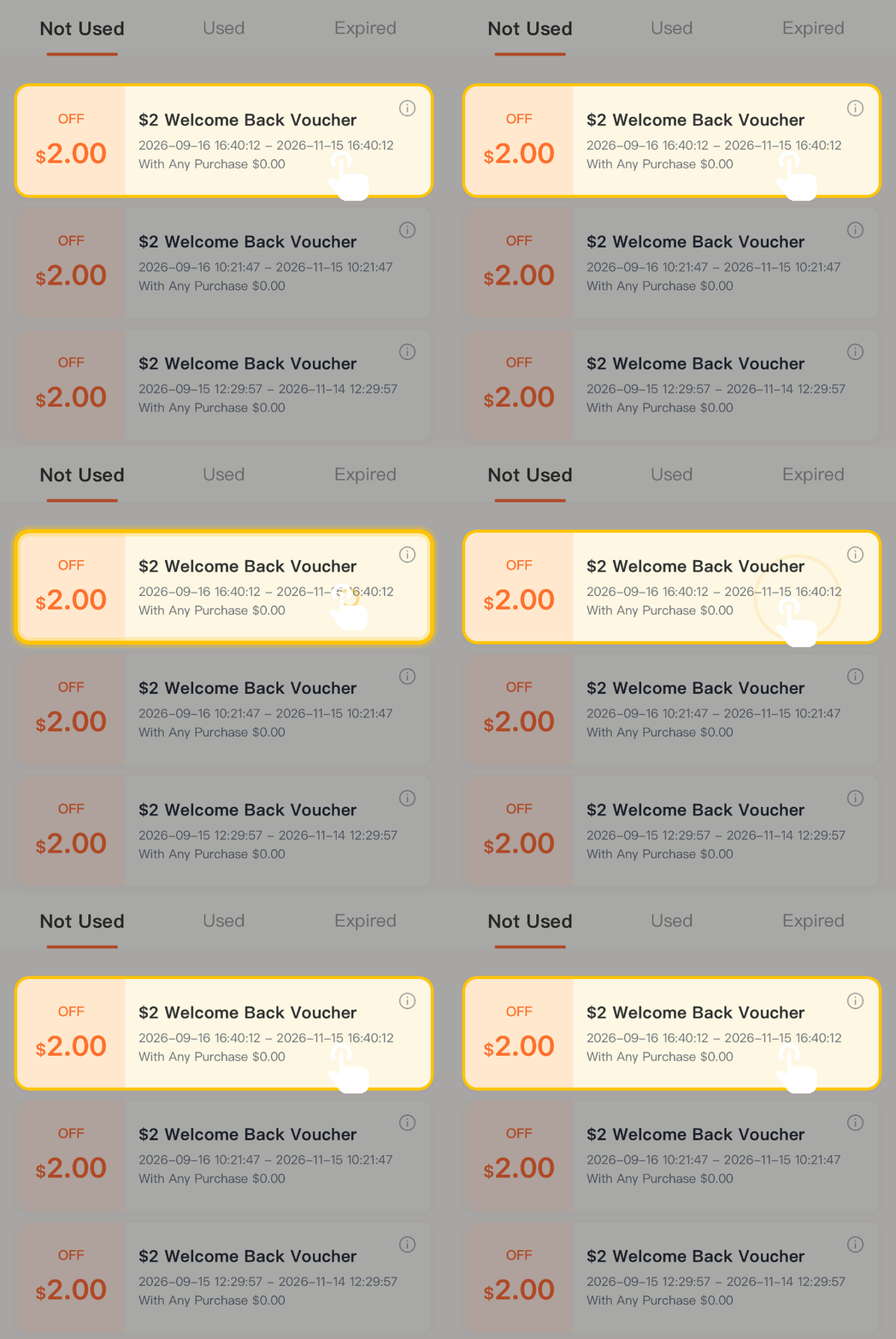
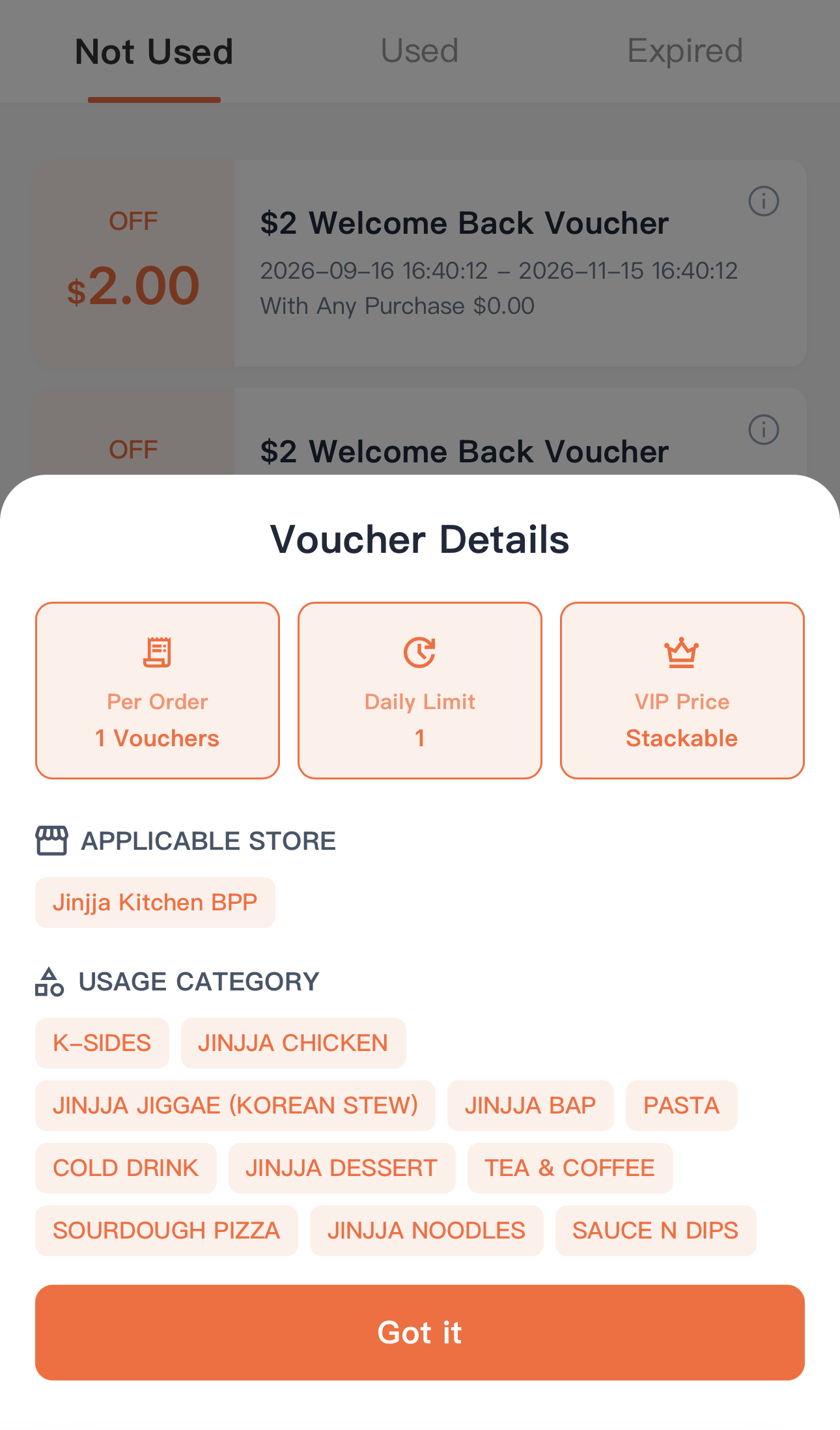
You may check out the voucher expiry date and the usage details in this tab. For detailed voucher information like the usage details and VIP price stacking as well as the applicable store, you may click on the voucher to view.
STEP 3
To use the voucher, simply place your order and head to the checkout page and press submit.
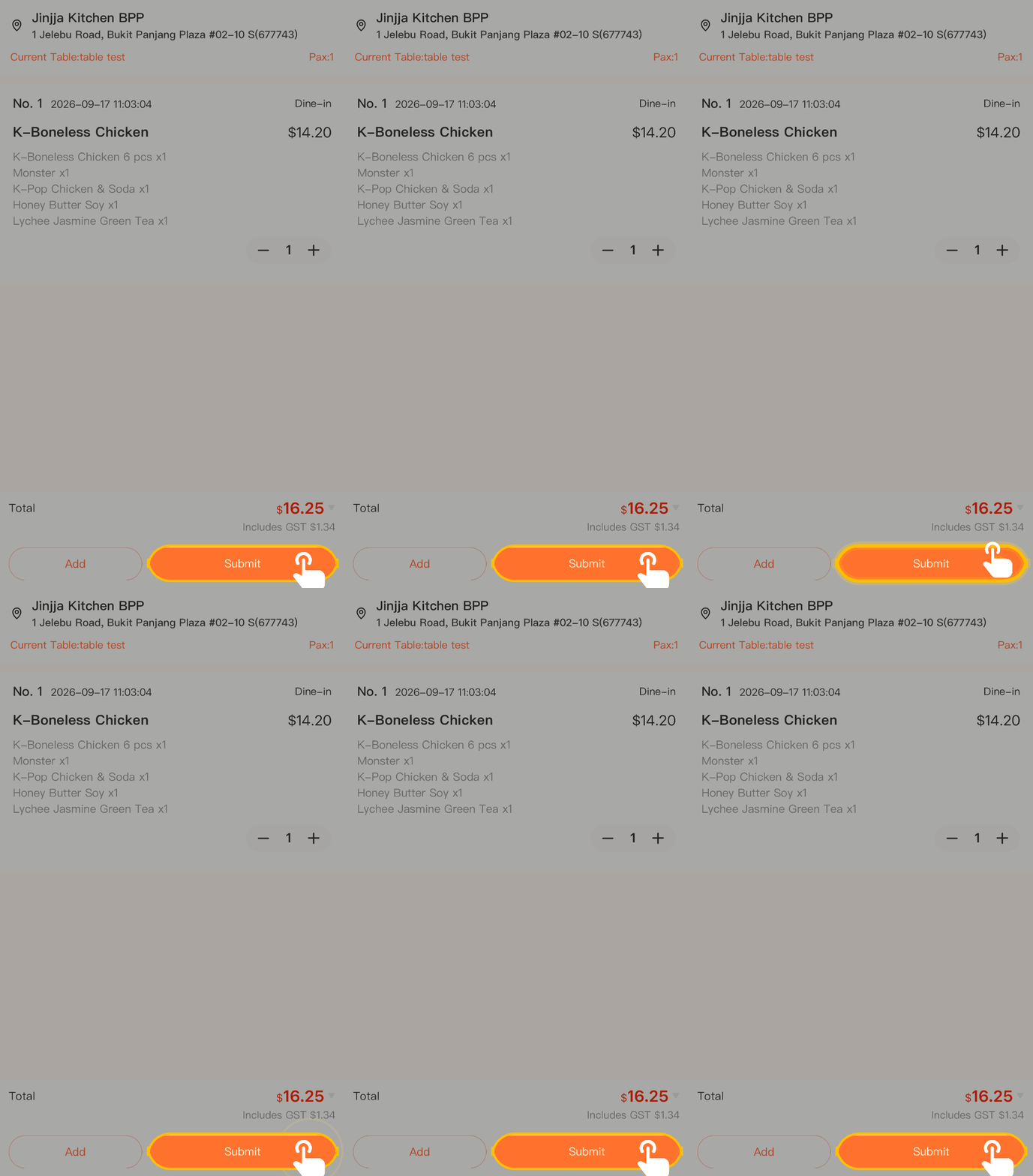
STEP 4
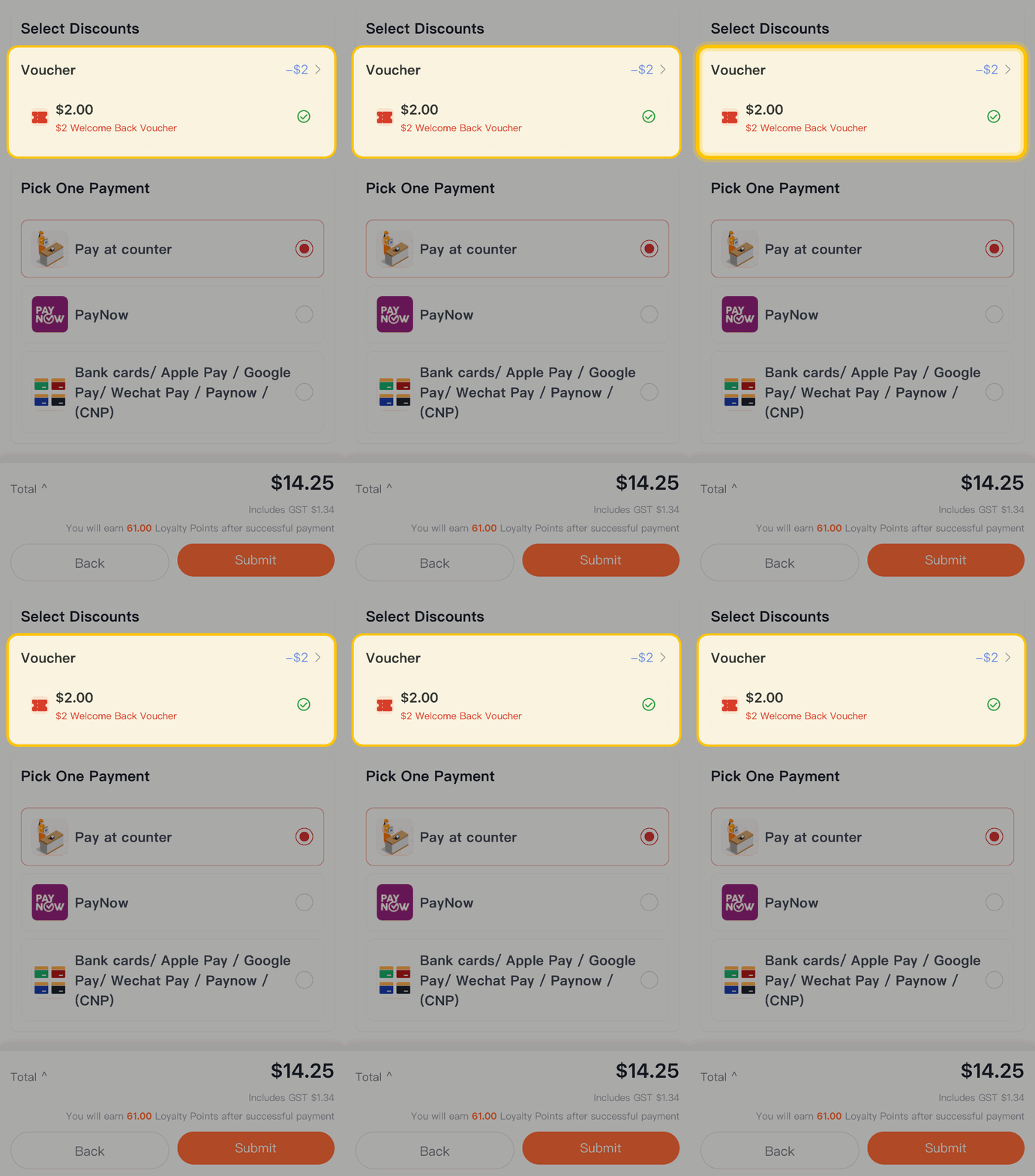
The checkout page will appear and available vouchers will be shown in the discounts tab.
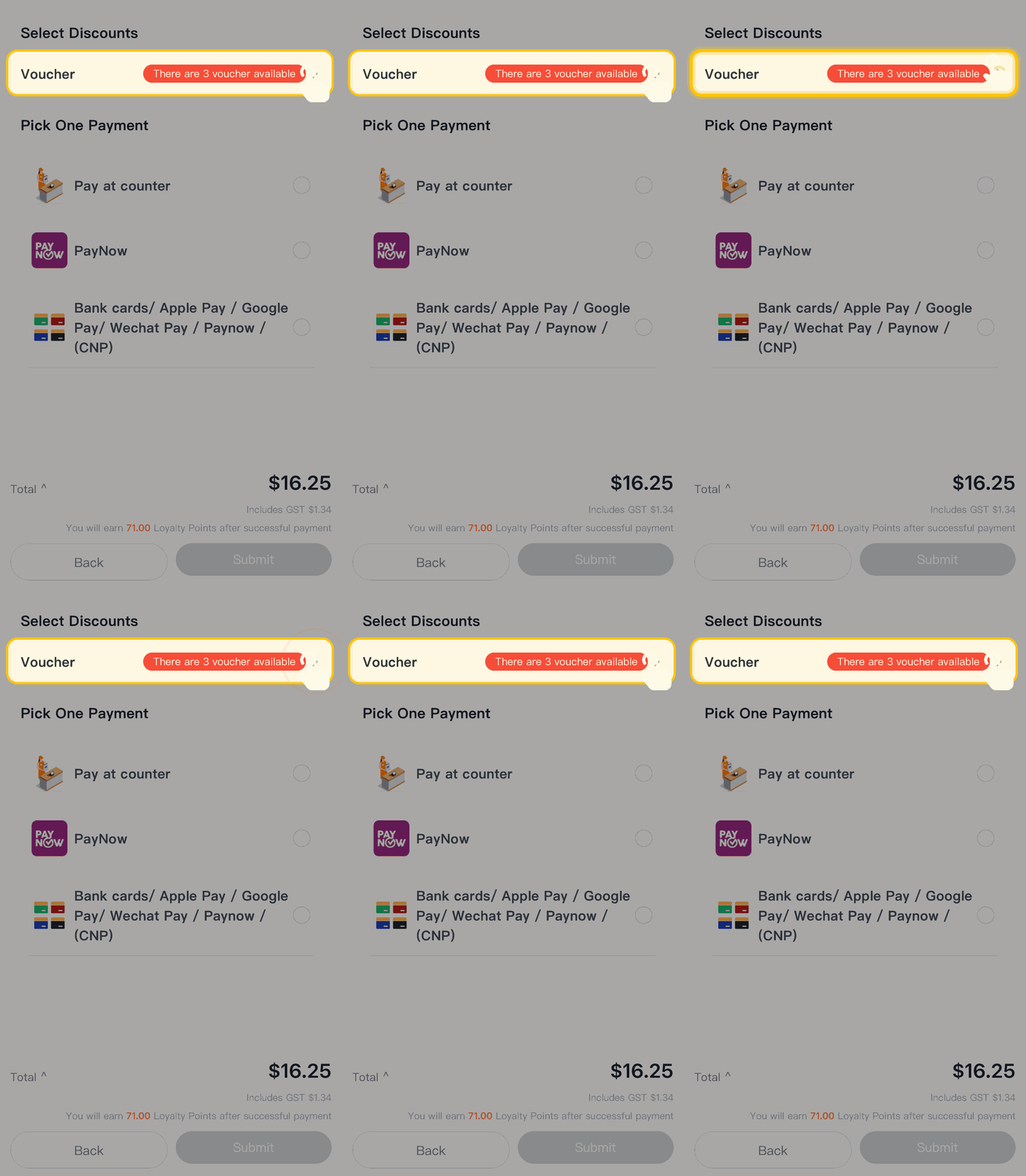
STEP 5
Select the voucher you’ll like to use and click confirm
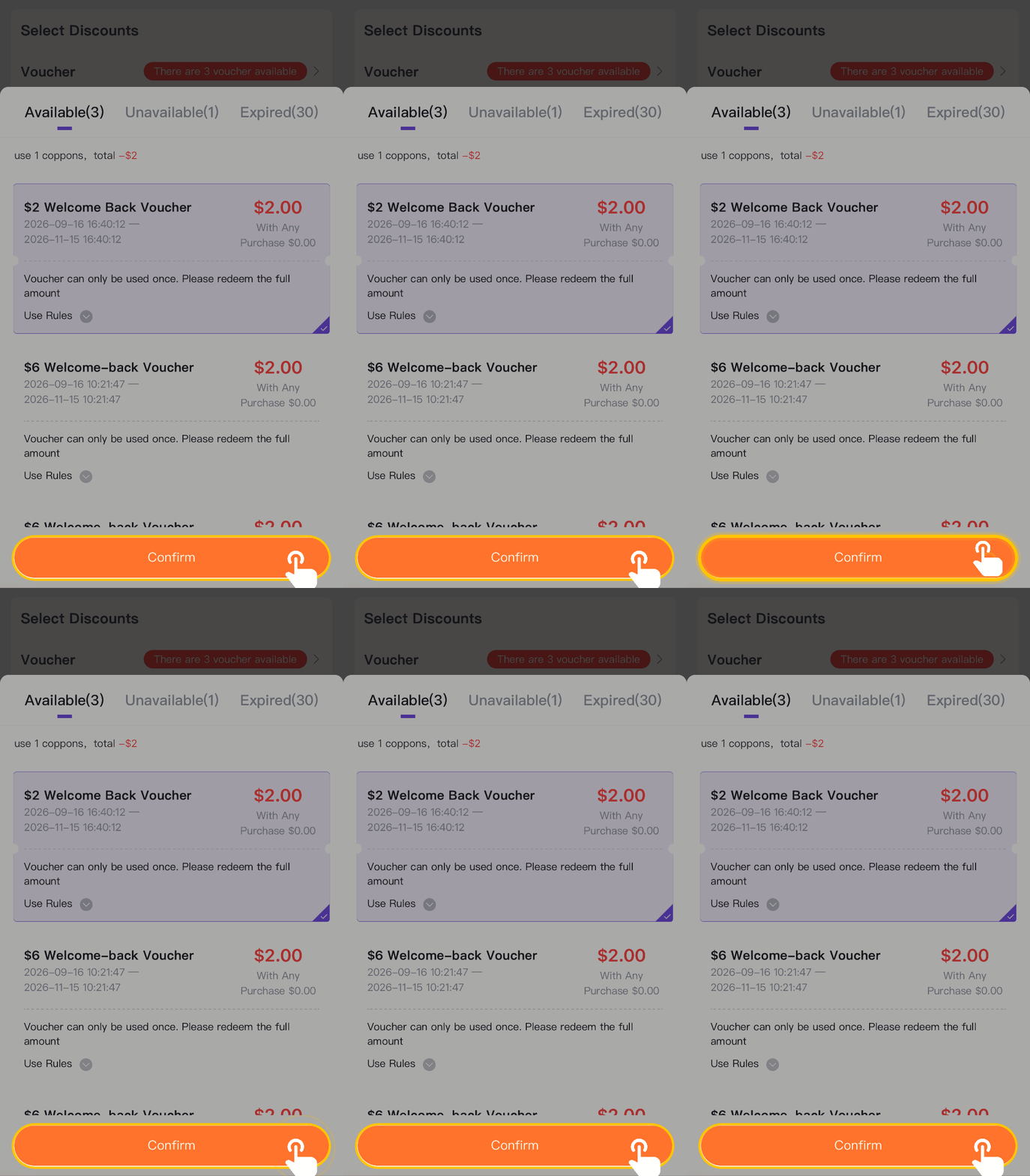
STEP 6
If the voucher is successfully applied, it will show the discount amount. To proceed, just select your payment method and click submit.